

Mega Rayquaza
Mega Rayquaza
by ZenninYoutuber
A Minecraft mod that turns a sentence into blocks.
It doesn't jump straight from text to blocks. It goes through an image, and that's the difference: an image knows what colour and shape the thing actually is. Text doesn't.
In your own words, inside the game. The conversation fills in the rest.
A reference gets drawn. It's the only thing that knows the real colours.
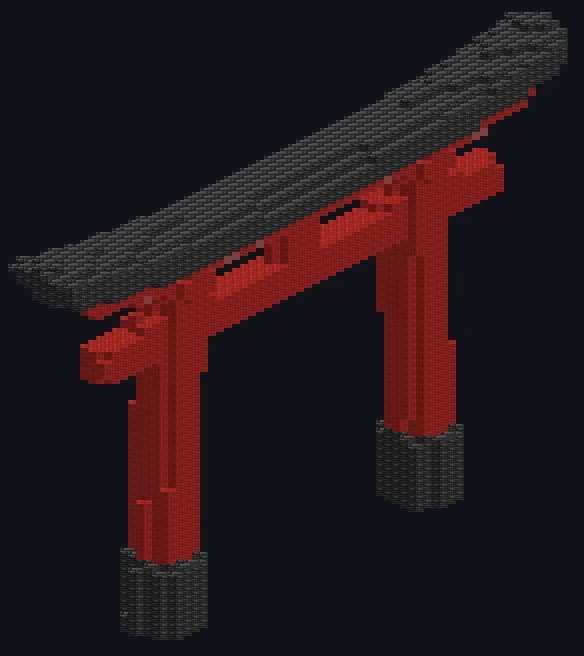
Every block is picked by matching its real texture against that colour.
This is the mod's screen. First it asks, one thing at a time; when it's done, in that same place it shows you the request and what it costs.
 settingsWhat do you want to make?A buildWhat do you want to build?a medieval house with a gardenHow much detail?Low (40)Regular (64)Detailed (96)at this size the windows read · more side, more detailsettingsYOUR REQUEST
You see the cost and what you have left before a single credit is spent. You never find out the price after paying it.
We recommend one and explain what you lose or gain by choosing another. The ceiling is what your machine can handle.
The build shows up as a preview. Throw it away and your world is exactly as it was.
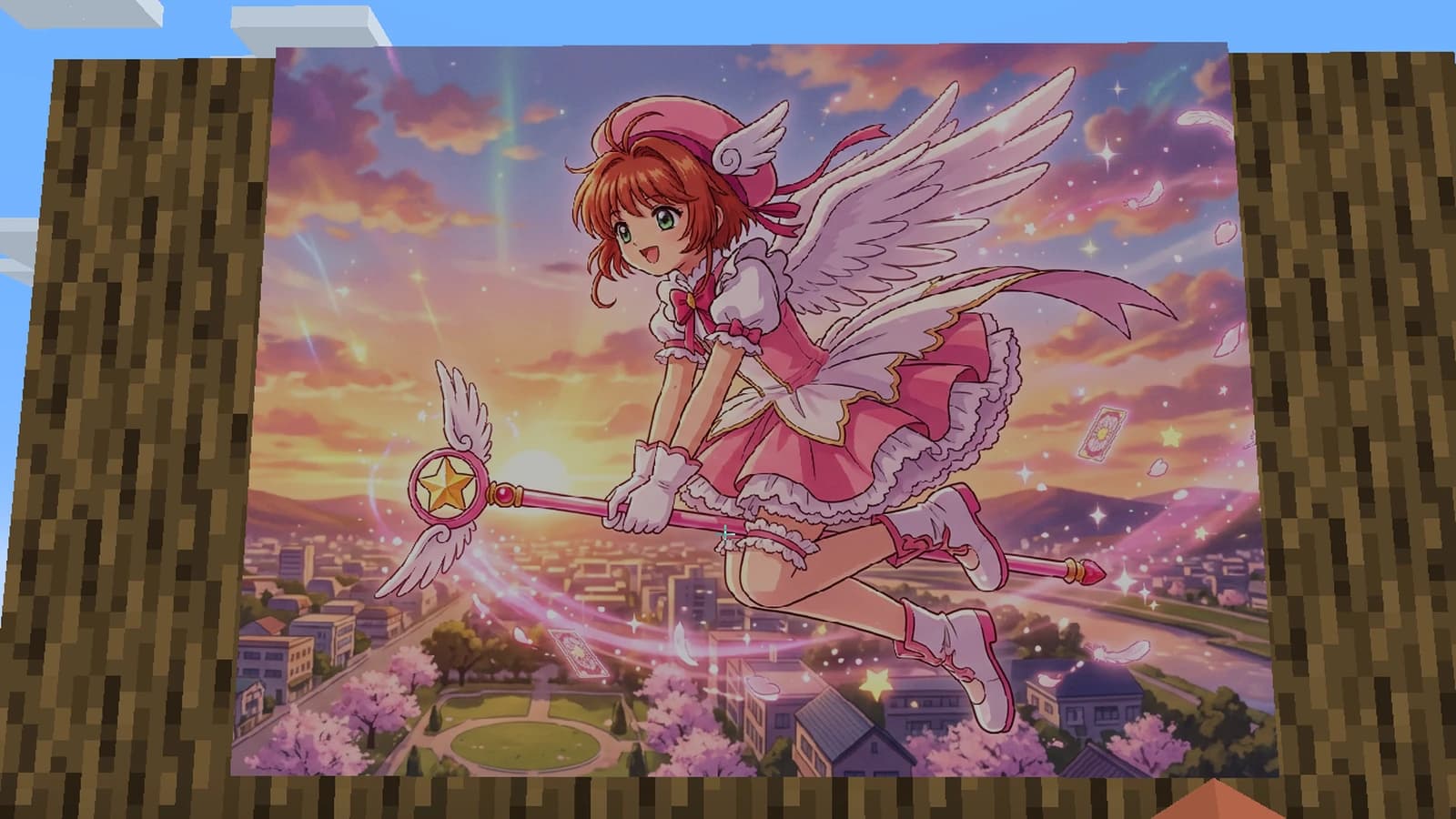
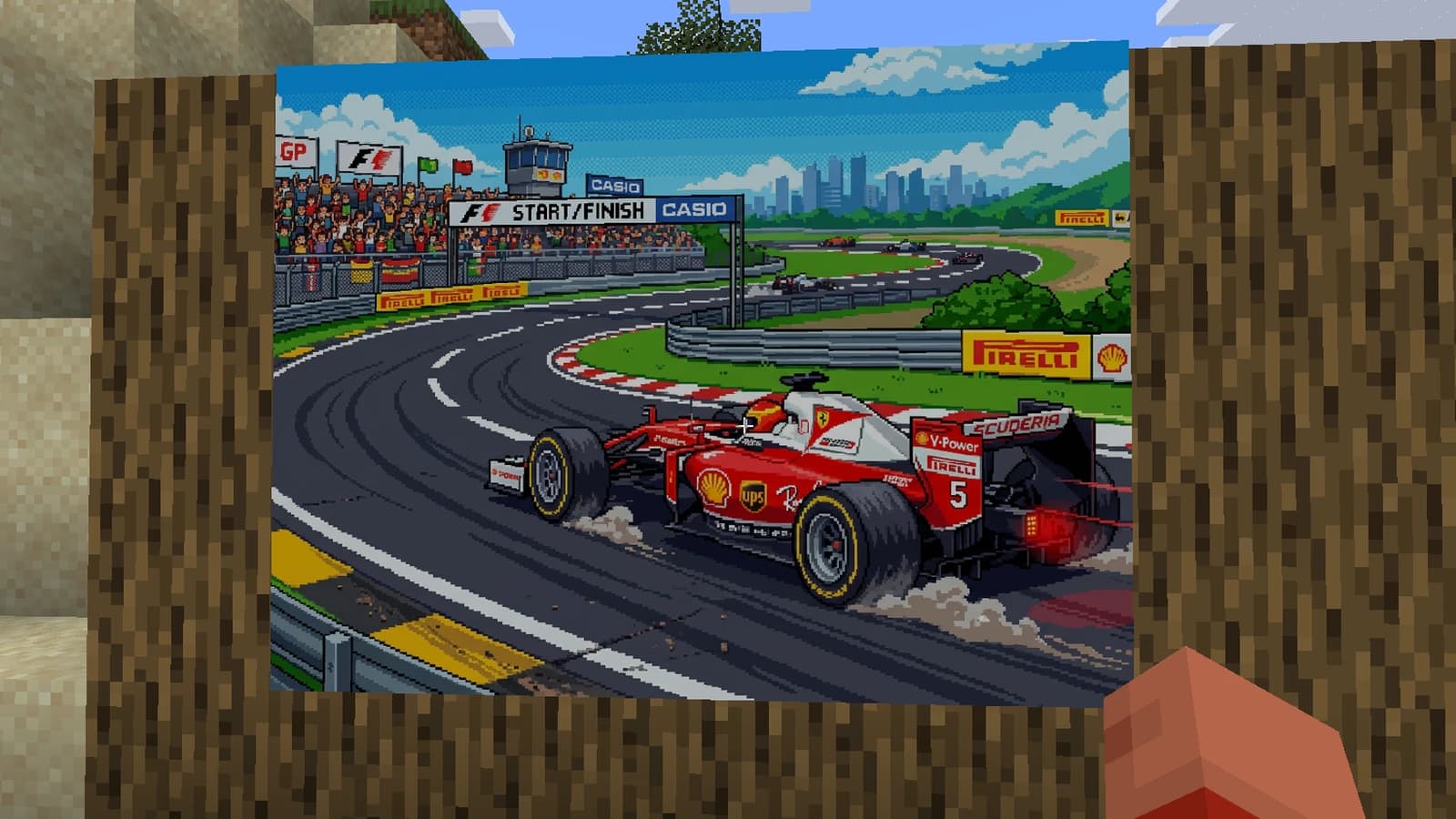
Ask any Minecraft painting for an image and it shows up inside it, in full colour. Or hang your own image or GIF, for free.
A small painting or the whole wall.
Six styles, or the one you summon.
Take it to your computer.
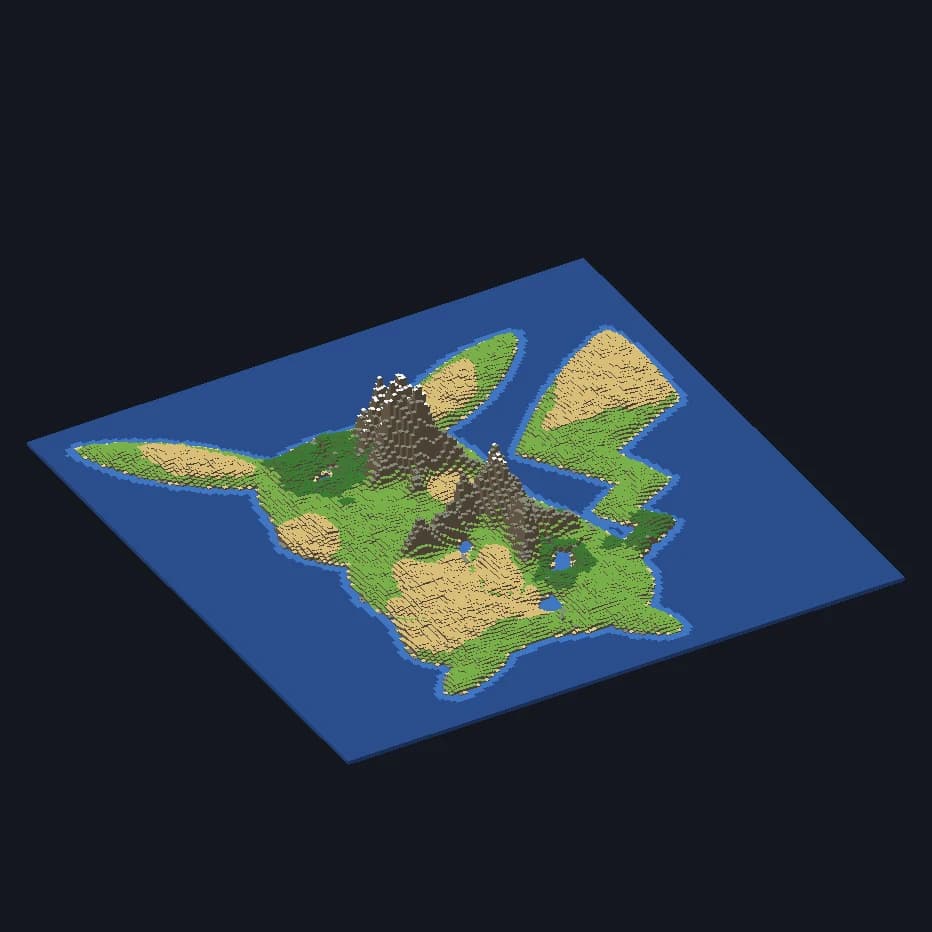
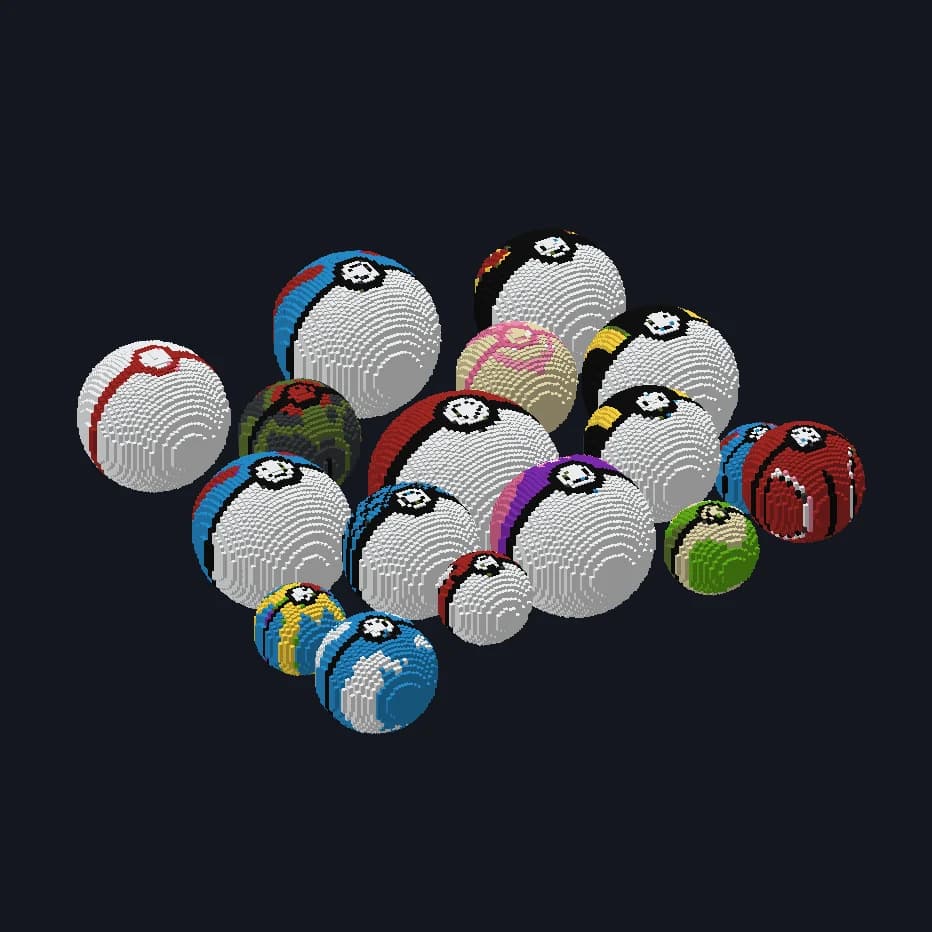
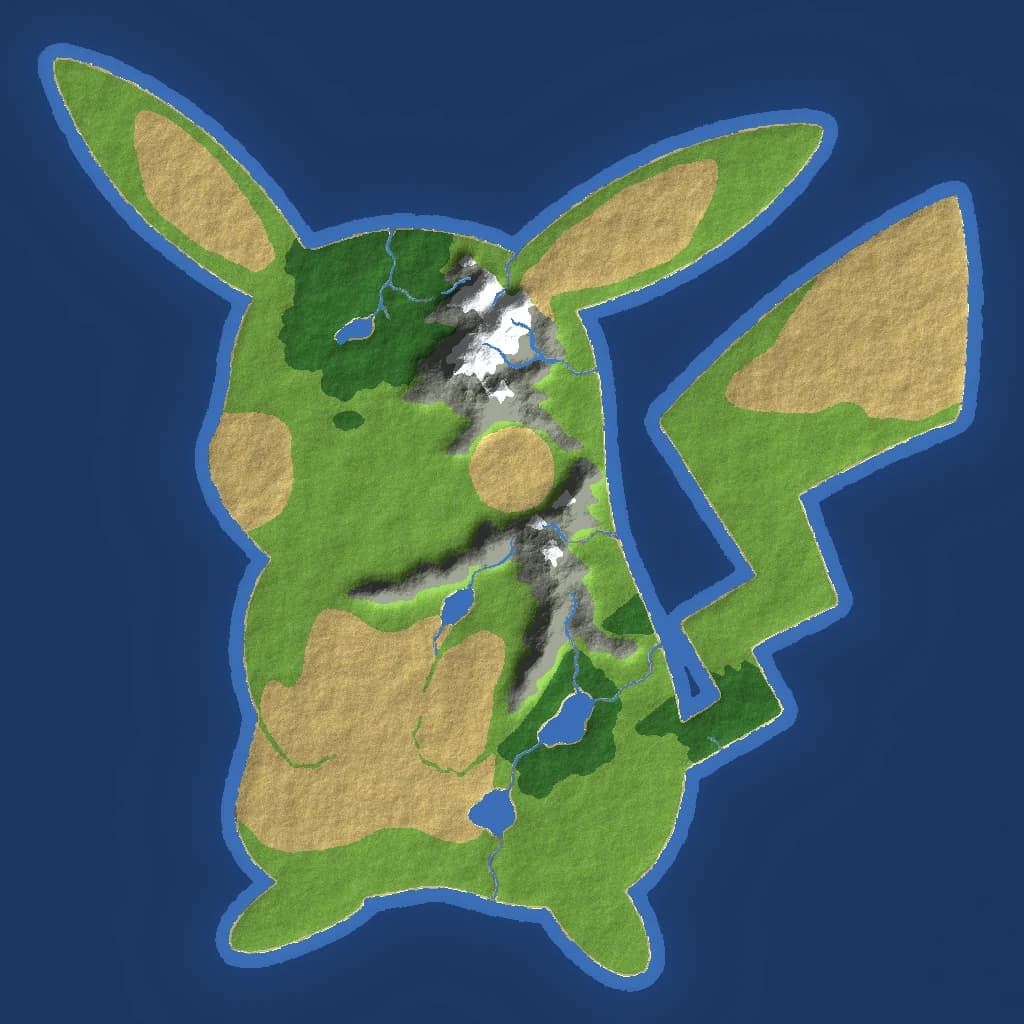
Describe the map before you create your world and it shows up block by block: mountains, rivers and beaches in the shape you ask for, or islands floating in the void.
From 200 to 10,000 blocks per side.
A continent shaped like anything you imagine, or islands over the void.
A 3D model you can look at from every side.
NeoForge
Minecraft Java 1.21.1For Minecraft Java 1.21.1. It's the mod loader KeroCraft runs on.
.minecraft / mods
 kerocraft.jar
Drop it in your instance's mods folder and you're done.
/kerocraft login
Your code is 4F7K2Q
▸ Open to approve
You're in, KeroClaw. Go summon something.
Here are 30 credits to get you started.
A code in the chat, one click to approve it, done. No keys to paste.
Real builds, each one from a sentence typed in game.
KeroCraft 1.2.0 · Minecraft Java 1.21.1 · NeoForge
To see it work
US$0forever
30 credits, once
To try it in your world
US$7per month
70 credits per month
For people who build often
US$16per month
250 credits per month
For building together on one account
US$40per month
650 credits per month
Credits never expire, even if you cancel your plan.
Minecraft Java 1.21.1 with NeoForge, the mod and a KeroCraft account. No other mods, no keys to get anywhere. To connect the game to your account you type /kerocraft login and approve it on the website.
No. The game connects to your KeroCraft account with /kerocraft login and you approve it on the website. Your Minecraft or Microsoft password is never asked for.
You type what you want in one sentence. A preview shows up that you can move, rotate, tip over and mirror, and the blocks land only once you say so.
Discard it and your world is exactly as it was, not a single block placed. If you change your mind, you can bring it back.
Some come out stunning and some miss the mark. When one doesn't land, asking again in other words usually changes everything. And nothing enters your world until you have seen it: that is what the preview is for.
Yes, as long as the server has the mod installed too. Each player connects their own account and uses their credits in any game. The Team plan puts up to 5 players on one account.
From a small ornament to something you can see from far away. The mod recommends a size and you can pick another; bigger ones ask more memory from the game and take a little longer.
Yes, with a mural. It comes out as a drawn surface with unbroken lines. The chat asks whether it goes on the wall or the floor and how wide, and you can change it later in Settings.
Holding Kero or the KeroCraft Painting, right click them and ask for whatever you want: it shows up inside the painting, in full colour, without moving or changing size. With the Painting frame tool you can move and crop the image as many times as you like for free, upload your own image or GIF from your computer, also free, and Shift plus right click saves it.
Yes, as a reference for a creation or a mural. It doesn't change the price, but it lands the result much closer to what you had in mind.
A creation is 10 credits. A mural or a painting, 2. The number is on screen before anything is spent, along with the credits you have left.
Yes. When you connect your game you get 30 credits as a gift, once, if Mojang confirms the Minecraft account is yours. Without a paid plan you can make up to 3 murals and 5 paintings in total.
No. Credits are spent when you summon, which is when the work happens, not when the blocks land. They come back on their own in one case: if something fails before the build or the painting is ready.
Between half a minute and a couple of minutes, depending on how big it is. The game tells you where it is along the way.
Payments are processed by Commet. You can cancel any time from your account, and the refund terms are in the refund policy.
Yes. Join from the button on the website and connect your account in the #login channel to get your plan role.
No. Java only, Minecraft 1.21.1, which is where mods run.